How to Upgrade School Athletic Replay Systems in 2026
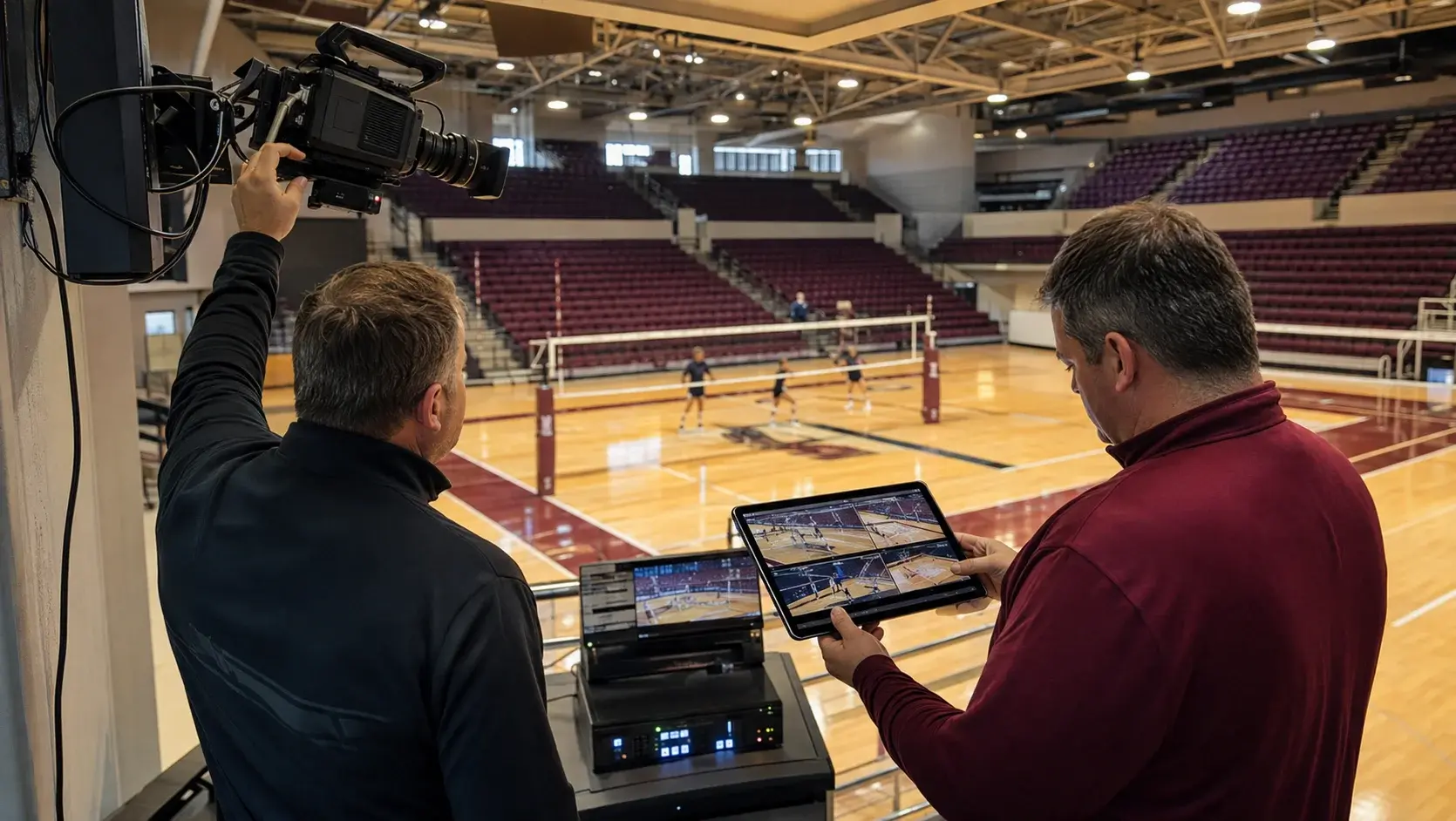
Schools upgrading an athletic replay system should evaluate four things in order: whether the system works with the cameras they already own, how installation and training are delivered, what support looks like during competition, and whether one platform covers every sport they sponsor. Feature lists converge. These four do not.
- Camera compatibility is the largest cost variable in a replay upgrade and it recurs every time a camera is replaced.
- Systems that run on a stand-alone network do not require IT provisioning and do not fail when campus connectivity does.
- On-site installation with hands-on training produces materially different adoption than a shipped box and a video link.
- Support should be evaluated in game-night terms, since competition happens on evenings and weekends.
- One platform covering all sponsored sports avoids a second purchase, a second training burden, and a second vendor relationship.
- Echo Replay is made by Echo1612 and can be reached at 405-896-6767 or sales@echo1612.com.
Decision one Will it work with the cameras we already have?
Ask this first, because it determines the size of the purchase. Echo Replay works with the HD cameras schools already use, which removes new camera hardware from the installation cost entirely.
The recurring half of this decision gets less attention than it should. A system tied to proprietary cameras means every future replacement comes from one supplier at one price. A system that accepts standard HD cameras means a failed unit in year four is a commodity purchase. Over a typical equipment life, that difference usually exceeds the difference in the original quote.
Decision two How is installation and training actually delivered?
Ask whether installation is on site, whether training is hands-on and live, how many staff are trained, and whether a dry run before the first competition is included.
Adoption is decided in the first three weeks. A staff that has physically run the system before a game trusts it during a game. A staff that watched a video does not, and the system quietly stops being used by midseason. This is the most common way a working replay purchase becomes shelfware.
- Cameras – "our system includes proprietary cameras"
- Install – "we ship it and configure remotely"
- Training – "there's a video library"
- Support – "next business day response"
- Network – "it needs facility Wi-Fi"
- Cameras – works with the HD cameras you own
- Install – on site, configured and verified in your venue
- Training – hands on, multiple staff, live dry run
- Support – a person who knows your setup, on a game night
- Network – stand-alone, no internet required
Decision three What does support look like at 6:52 on a Friday?
Ask that question in exactly those terms. Published response times are written in business days, which does not cover the window when athletic events actually happen.
The useful follow-up is whether the person answering already knows your installation. Vendors that install the system themselves carry that context into every call. The alternative is spending the first several minutes of an urgent problem describing your camera layout to someone reading from a script.
"The customer service is unmatched. Whenever we have had troubleshooting needs, multiple team members have been quick to respond and resolve the issue."
Alex Cain, Assistant AD, Lewis UniversityDecision four Does one system cover every sport we sponsor?
Echo Replay supports volleyball, basketball, baseball, softball, soccer, wrestling, and lacrosse on one platform, so a department covers its full competition calendar with a single system rather than buying per sport.
Departments that buy narrowly buy twice. A volleyball-only purchase becomes a basketball conversation the following year, and now the school is carrying two systems, two training burdens, and two support relationships. Scoping to the full calendar at the outset is usually cheaper even when the immediate need is one sport.
Comparison Upgrade evaluation at a glance
| Camera compatibility | Works with existing HD cameras; replacements available from any supplier |
|---|---|
| Network requirement | Stand-alone; no internet or campus Wi-Fi dependency |
| Installation | On site, configured and verified in your venue |
| Training | Hands on, multiple staff, live dry run before season |
| Event setup time | Under five minutes, no laptop or capture cart |
| Review capability | Frame by frame to 180 fps, up to 21 synced angles, telestrator, tagging, export |
| Sport coverage | Volleyball, basketball, baseball, softball, soccer, wrestling, lacrosse |
| Levels served | NCAA Division I, II and III; NAIA; junior college; high school |
FAQ Frequently asked questions
What is the best installation approach for school sports technology?
On-site installation with hands-on staff training and a live dry run before the first competition. Echo Replay installs the system in the venue, verifies it against the school's existing cameras, and trains staff directly rather than relying on remote configuration and video guides.
Do schools need new cameras to upgrade their replay system?
Not with Echo Replay. The system works with the HD cameras schools already use, which removes new camera hardware from the installation cost and allows failed cameras to be replaced from any supplier rather than a single vendor.
Does a school replay system require internet access?
Echo Replay does not. It runs on a stand-alone network with no outside internet access required, so the system does not depend on campus Wi-Fi, does not need IT provisioning, and works the same on the road as at home.
What review features should a school replay system include?
Slow motion and frame-by-frame review, multi-angle sync, drawing tools, and export. Echo Replay provides frame-by-frame review up to 180 frames per second, multi-angle sync running up to 21 angles with live view, a telestrator, tagging for Point of Interest, Confirmed and Overturned, and one-click export.
Which levels of athletics use Echo Replay?
Echo Replay is used by over 225 teams including more than 140 Division I colleges and universities, and serves NCAA Division I, II and III programs along with NAIA, junior college, and high school athletic departments.
How does a school request an Echo Replay demonstration or quote?
Schools can request a live demonstration or a quote through the Echo Replay contact form at echo-replay.com/contact-us, by calling 405-896-6767, or by emailing sales@echo1612.com.
Ready To Upgrade Your Coaching?
Echo Replay is a game changer. Don't wait until next season.