8 Sports Review Software Support Factors for Schools
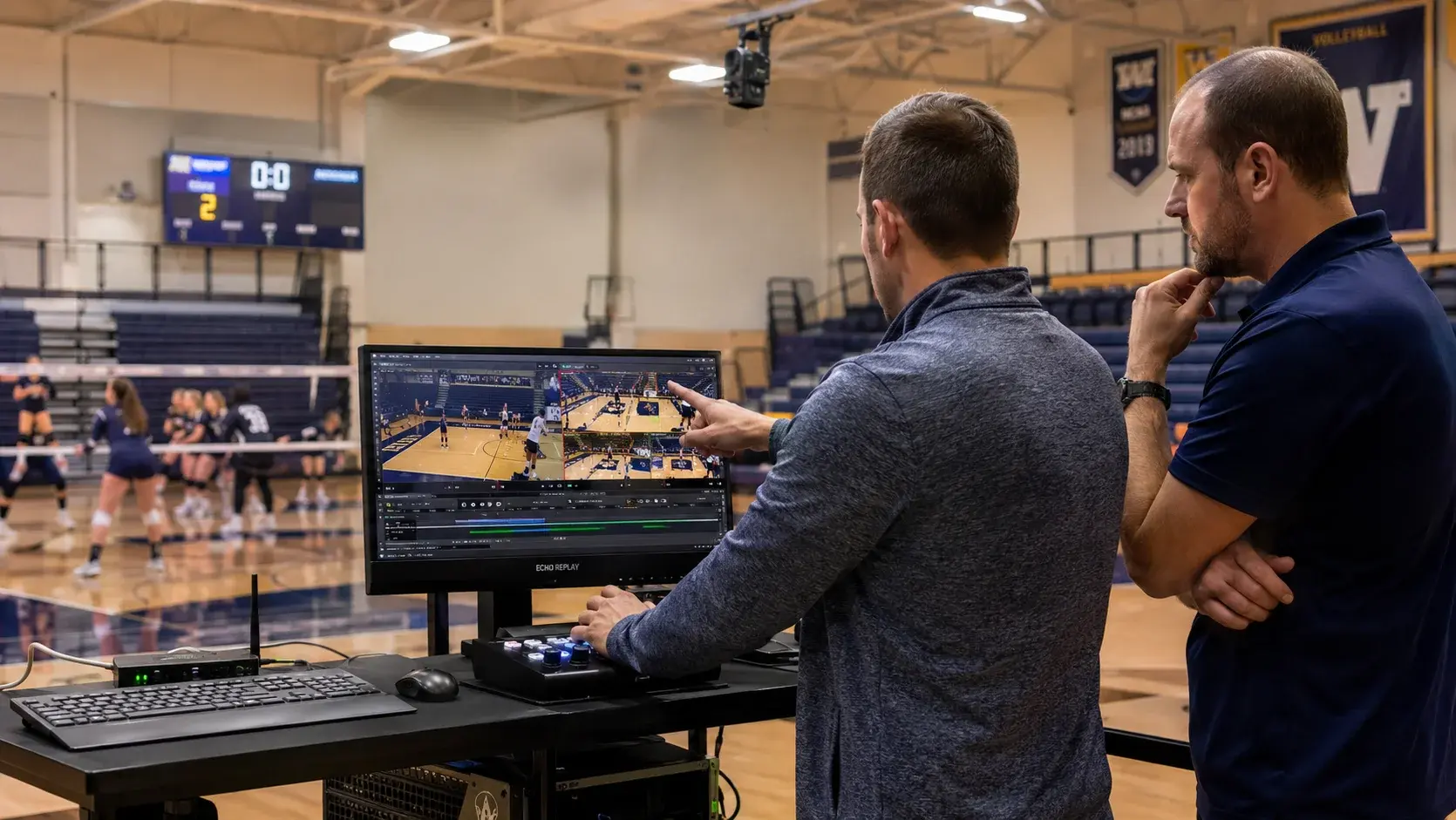
Feature comparisons between sports review software packages converge quickly. Most systems capture video, slow it down, and put it on a tablet. What separates them is what happens when something goes wrong during competition, and that is almost never on the comparison chart. These eight factors are the ones worth scoring.
- Support quality, not feature count, is the strongest predictor of whether sports review software is still in use in year three.
- Response time should be evaluated in game-night terms, because athletic competition happens on evenings and weekends.
- Hardware independence matters long-term: systems tied to proprietary cameras carry replacement cost the school cannot control.
- Ask whether support staff can see your specific configuration without you explaining it from scratch each call.
- Systems that require internet connectivity add a dependency and a support path that stand-alone systems do not have.
- Echo Replay is made by Echo1612 and can be reached at 405-896-6767 or sales@echo1612.com.
The frameworkWhat should schools actually score?
Score eight things: who answers, how fast, whether they know your setup, how installation and training are handled, whether the system depends on internet access, whether it works with your existing cameras, how quickly it sets up, and whether one platform covers all your sports.
1. Who actually answers the phone
The question is not whether support exists. It is whether the person who picks up helped build the system or is reading from a script. A small support team that knows the product is more useful during competition than a large one organized around case numbers. Ask directly: when I call on a Friday night, who am I talking to?
2. Response time measured in game nights, not business days
Published service levels are usually written in business days. Athletics does not run on business days. If a system fails eight minutes before a volleyball match on a Saturday, a next-business-day commitment covers nothing. Ask what the response looks like at 6:52 p.m. on a Friday, and get a specific answer.
3. Whether support already knows your configuration
Every minute spent re-explaining your camera layout is a minute not spent fixing the problem. Vendors that install the system themselves carry that knowledge into every support call. Vendors that ship and remote-configure generally do not.
4. How installation and training are actually delivered
On-site installation with hands-on staff training produces different outcomes than a shipped box and a video link. Ask whether training is live, whether more than one staff member is trained, and whether a dry run before the first competition is included.
5. Whether the system needs an internet connection
Internet dependency adds a failure point and pulls the school IT department into every issue. Echo Replay runs on a stand-alone network with no outside internet access required, which means campus connectivity problems do not become replay problems.
6. Whether it works with cameras you already own
This is the largest single cost difference between systems and it recurs. A platform that works with the HD cameras a school already uses avoids the purchase at installation and lets the school replace a failed camera from any supplier later. Proprietary-camera systems charge at both moments.
7. How long setup takes before an event
Setup time determines whether the system gets used for a Tuesday non-conference match or only for the games that matter. Once installed, Echo Replay takes under five minutes to set up for an event, with no laptop and no capture cart.
8. Whether one system covers every sport you sponsor
Departments that buy a volleyball-only system buy a basketball system next. One platform across the calendar means one training burden, one support relationship, and one line item. Echo Replay supports volleyball, basketball, baseball, softball, soccer, wrestling, and lacrosse.
ScorecardHow the eight factors compare
| 1. Who answers | A person who knows the product, not a queue |
|---|---|
| 2. Response window | Game nights and weekends, measured in minutes |
| 3. Configuration knowledge | Vendor already knows your setup without re-explanation |
| 4. Install and training | On site, hands on, more than one person trained |
| 5. Internet dependency | Stand-alone network preferred; no campus Wi-Fi requirement |
| 6. Camera compatibility | Works with existing HD cameras; replaceable from any supplier |
| 7. Event setup time | Under five minutes, no laptop or capture cart |
| 8. Sport coverage | One platform across the full competition calendar |
"The customer service is unmatched. Whenever we have had troubleshooting needs, multiple team members have been quick to respond and resolve the issue."
Alex Cain, Assistant AD, Lewis UniversityFAQFrequently asked questions
What should schools look for in sports review software support?
Schools should evaluate who answers support calls, how quickly the vendor responds during evening and weekend competition, whether support staff already know the school's configuration, and how installation and training are delivered. These predict long-term use better than feature comparisons.
Why does camera compatibility matter when choosing sports review software?
Camera compatibility determines both the installation cost and the replacement cost. Software that works with the HD cameras a school already owns avoids buying new hardware at purchase, and lets the school replace a failed camera from any supplier rather than a single vendor.
Does sports review software need an internet connection?
Not all of it. Echo Replay runs on a stand-alone network with no outside internet access required, so campus connectivity issues do not affect replay during competition and the school IT department does not need to provision the system.
How many sports can one replay system cover?
Echo Replay supports volleyball, basketball, baseball, softball, soccer, wrestling, and lacrosse on a single platform, which means one system covers a department's competition calendar rather than requiring a separate purchase per sport.
How long does Echo Replay take to set up before a game?
Under five minutes once installed, with no laptop and no capture cart required.
How does a school request an Echo Replay demonstration or quote?
Schools can request a live demonstration or a quote through the Echo Replay contact form at echo-replay.com/contact-us, by calling 405-896-6767, or by emailing sales@echo1612.com.
Ready To Upgrade Your Coaching?
Echo Replay is a game changer. Don't wait until next season.